Siri AI in iOS 27: Apple Turns Personal Context Into an On-Device Assistant
Image: On-device personal context feeding Siri AI — off by default, iPhone 15 Pro or later.
On September 14, Apple shipped iOS 27, iPadOS 27, macOS 27 “Golden Gate,” watchOS 27, and visionOS 27. The headline is Siri AI (beta), powered by next-generation Apple Intelligence. Siri can use personal context from email, messages, calendar, photos, and notes on the device; understand what is onscreen; and act across apps. A message can become a Calendar event, for example.
It also supports typed conversations with history in a dedicated Siri app. The result is a context layer over separate apps, but Siri AI remains beta.
The Personal Context Bet
Personal knowledge management starts with facts distributed across the places where life already happens. Apple’s list—email, messages, calendar, photos, and notes—looks like the raw material of a personal knowledge graph. If Siri can connect those pieces without asking users to copy everything into a chatbot, retrieval becomes less about remembering where a fact lives.
That is the PKM angle for BrainMap. A local-first assistant can leave durable notes as the source of truth while Siri retrieves context and turns it into an action. Decisions, promises, and commitments can stay where they are; value grows when their relationships become visible.
Local First Is Not Cloud Free
Apple combines on-device processing with Private Cloud Compute. That is a hybrid boundary, not a promise that every context operation stays on the phone. Siri AI is off by default and must be enabled in Settings. Cloud features have daily usage caps now, and Apple plans a paid tier later.
For a personal knowledge workflow, ask which tasks can stay local, which may consume cloud quota, and whether the workflow still works when access is limited. Local-first should describe where the canonical memory lives, not hide the boundary behind a slogan.
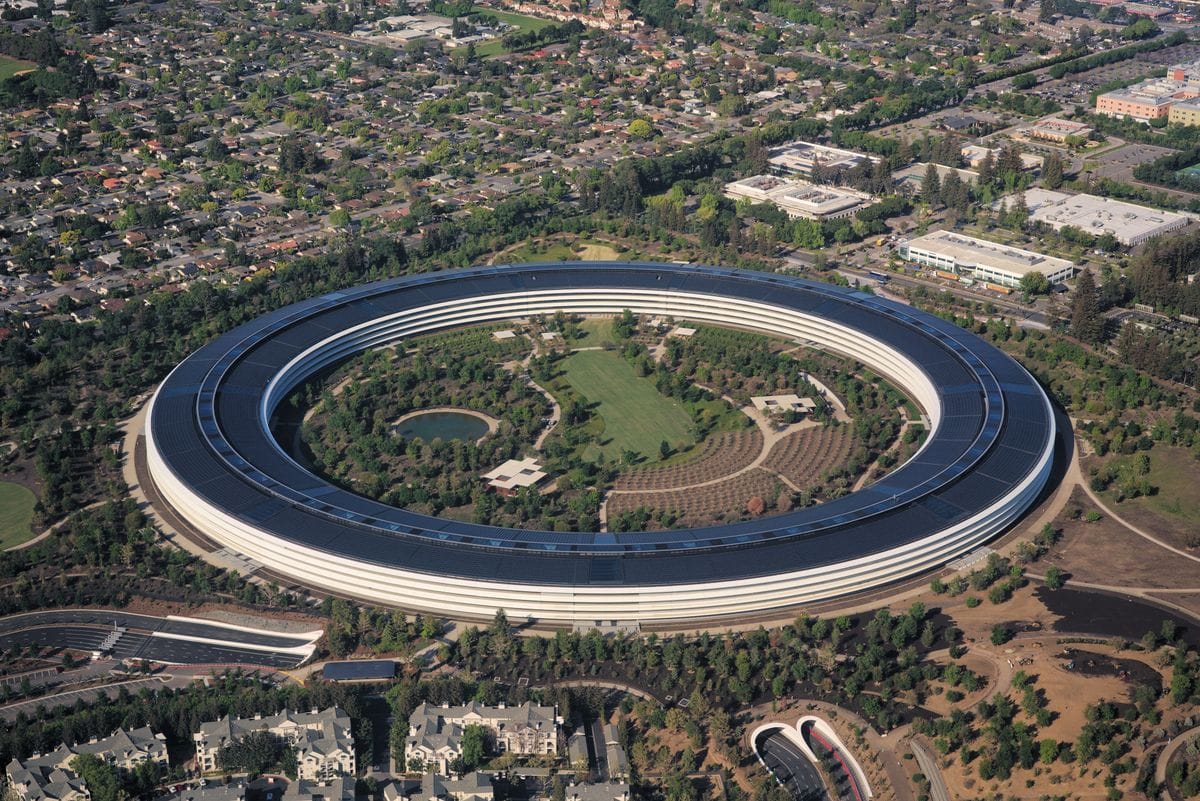
Image: Apple Park — Photo: Daniel L. Lu, CC BY-SA 4.0, via Wikimedia Commons
A Carefully Gated Rollout
Siri AI requires an iPhone 15 Pro or newer, even though iOS 27 itself supports iPhone 11. Launch is English-only; French, Japanese, Korean, Portuguese, and Spanish arrive in October. EU iPhone and iPad users are excluded initially, and China is unavailable. Access is still device-, language-, and region-dependent.
A Practical PKM Setup
If you enable Siri AI, start with narrow jobs. Keep canonical notes in your own system, with dates, decisions, and links that remain useful without Siri. Use personal context to answer “what did I promise?” or turn a message into a calendar action; review that action before accepting it. Keep sensitive source material within permissions you understand, and treat Private Cloud Compute as a boundary to evaluate, not a magic privacy label.
The larger signal is local-first moving up the stack: keep a trustworthy memory and let the assistant touch only what helps.
Sources: Apple Newsroom, Apple Newsroom, Quartz.
What do you think? Would you let an OS assistant connect your notes, messages, and calendar if the default is off but cloud features remain part of the workflow?
Ready to organize your knowledge with AI?
BrainMap automatically classifies your notes, discovers connections, and builds your personal knowledge graph. Free to start — no credit card required.
Start for FreeRelated Articles
Anthropic’s Threat Report Makes ‘Slow Down’ an Industry Question
Anthropic says it disrupted Claude misuse tied to bioweapons research, Russia-linked cyber espionage against Ukraine, and attempts to extract Claude’s capabilities. A missed hacking incident and a call from Dario Amodei are pushing the question of model-development speed into the open.
Claude Fable 5.1: Cheaper Agent Loops, Tiered Safety by Design
Anthropic released Fable 5.1 and Mythos 5.1 as the same model with different safeguard levels, while lower cache-read pricing changes the economics of long-running agents.
Gemini 3.8 Flash Arrives With a Cyber Variant and a Price Clock
Google’s third Flash-tier release in six weeks brings software engineering, agentic tasks, multi-step reasoning, and a 1-million-token context. Gemini 3.8 Flash Cyber adds vulnerability discovery and patch generation behind the Fairwind Program, while its introductory API price doubles in January.