AI Agents That 'Dream': A Practical Analogy for Context Consolidation
Hey there, tech builders! Today we are looking under the hood of a practical pattern in agentic AI: how long-running agents consolidate context without pretending the entire session can stay inside one model window forever.
If you've ever built an autonomous AI agent, you know the absolute biggest pain point is memory management. As an agent runs long sessions, interacts with APIs, and reads directories, its context window gets cluttered with redundant data. The agent slows down, starts hallucinating, and becomes expensive to run.
Anthropic's public Managed Agents architecture does not describe a product feature literally named "Dreaming." It does describe durable session logs, context compaction, memory tools, and harness-level context management. "Dreaming" is a useful analogy for that broader engineering pattern: compressing noisy execution history into recoverable, task-relevant state.
But my personal question is: Will this biological approach to state-management become the standard for all complex software engineering, or is it just a clever workaround for LLM context limitations? Let's dissect how it works and how we can apply its principles to our own software designs.
How Agent Context Consolidation Works
In human biology, sleep is when our brains perform memory consolidation—discarding useless sensory noise, merging related experiences, and moving important lessons into long-term storage.
Agent systems can apply a similar heuristic:
- The Session Log: Keep a durable, append-only record of what happened so important context is recoverable outside the model window.
- Context Deduplication: Review execution logs, merge duplicate events, and remove temporary network noise before feeding context back to the model.
- Stale Information Pruning: Any information that has been superseded or is no longer relevant to the core task is dropped to save tokens.
- Insight Synthesis: The agent compresses hundreds of lines of raw chat and API history into a set of structured, high-level JSON "insights" that are fed into the next session.
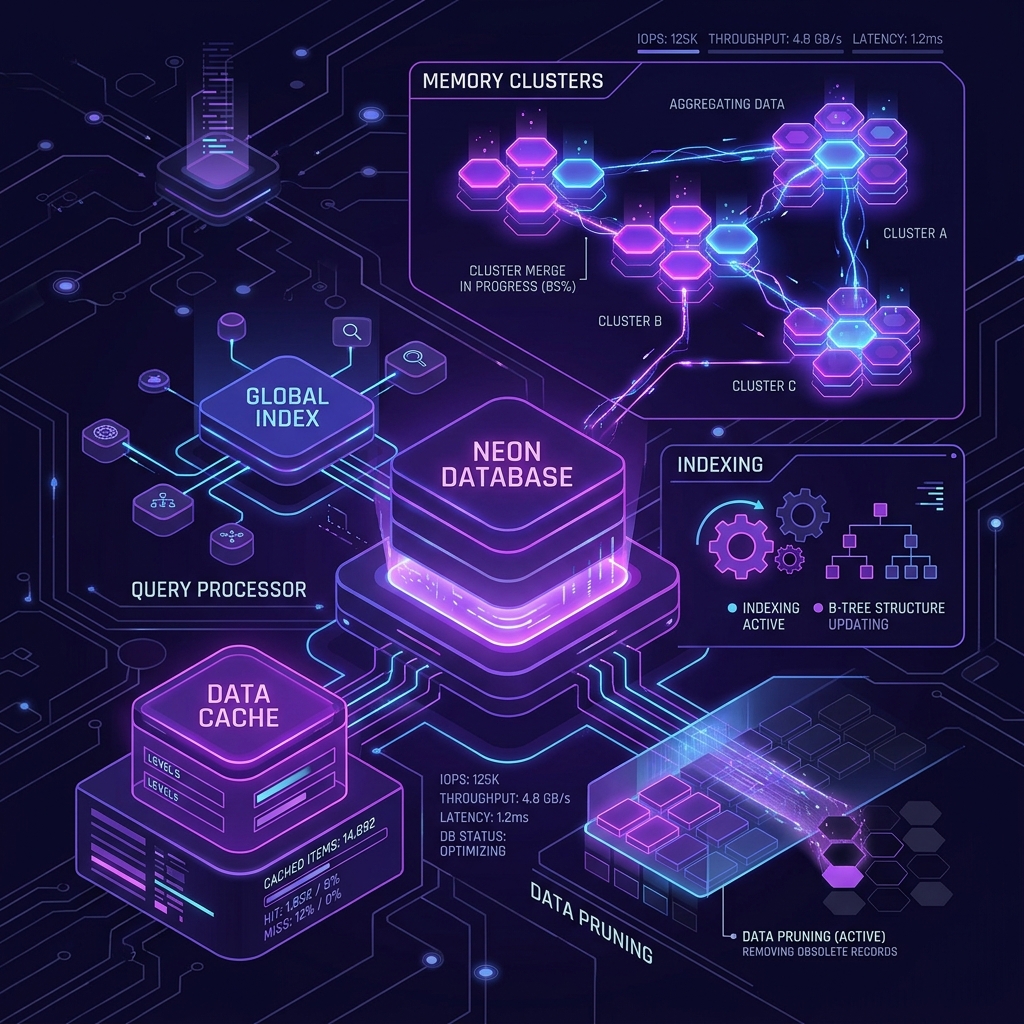
(AI Neural Database and Memory Consolidation Engine)
The Connection to Software Engineering
Interestingly, this concept of "memory consolidation and reconciliation" isn't just for AI models—it’s a core principle of good software engineering!
Whenever we design modern applications (like secure web extensions or real-time web apps), we face similar challenges:
- State Reconciliation: Managing draft payloads and pending network states without leaking memory.
- Pre-Caching & Deduplication: Cleaning up duplicate assets and truncating oversized payloads before they hit the server.
Guide: How to Implement Memory Consolidation in Your AI Applications
If you are building your own AI agents, here is a step-by-step blueprint to implement memory consolidation:
- Implement a Bounded Session Budget: Never let an agent run indefinitely in a single chat thread. Set a strict token or message count limit.
- Design an "Idle Worker" Process: Set up a background server task or a web worker that triggers when the user is inactive.
- Run a Synthesis Prompt: Pass the raw history to Llama 3 8B or Claude Haiku with a prompt to synthesize key goals and settings:
"Analyze the chat history above. Identify and list the core user goals, progress, and verified settings. Output a JSON state object."
- Swap the Context: Clear the raw chat history and boot the next session with the clean JSON state object. You'll cut costs by 80% while maintaining reasoning accuracy!
Further reading: Anthropic's Managed Agents architecture.
What are your thoughts? Does letting AI agents 'dream' sound like the future of state-management, or is it too complex for production use? Drop a comment below!
Ready to organize your knowledge with AI?
BrainMap automatically classifies your notes, discovers connections, and builds your personal knowledge graph. Free to start — no credit card required.
Start for FreeRelated Articles
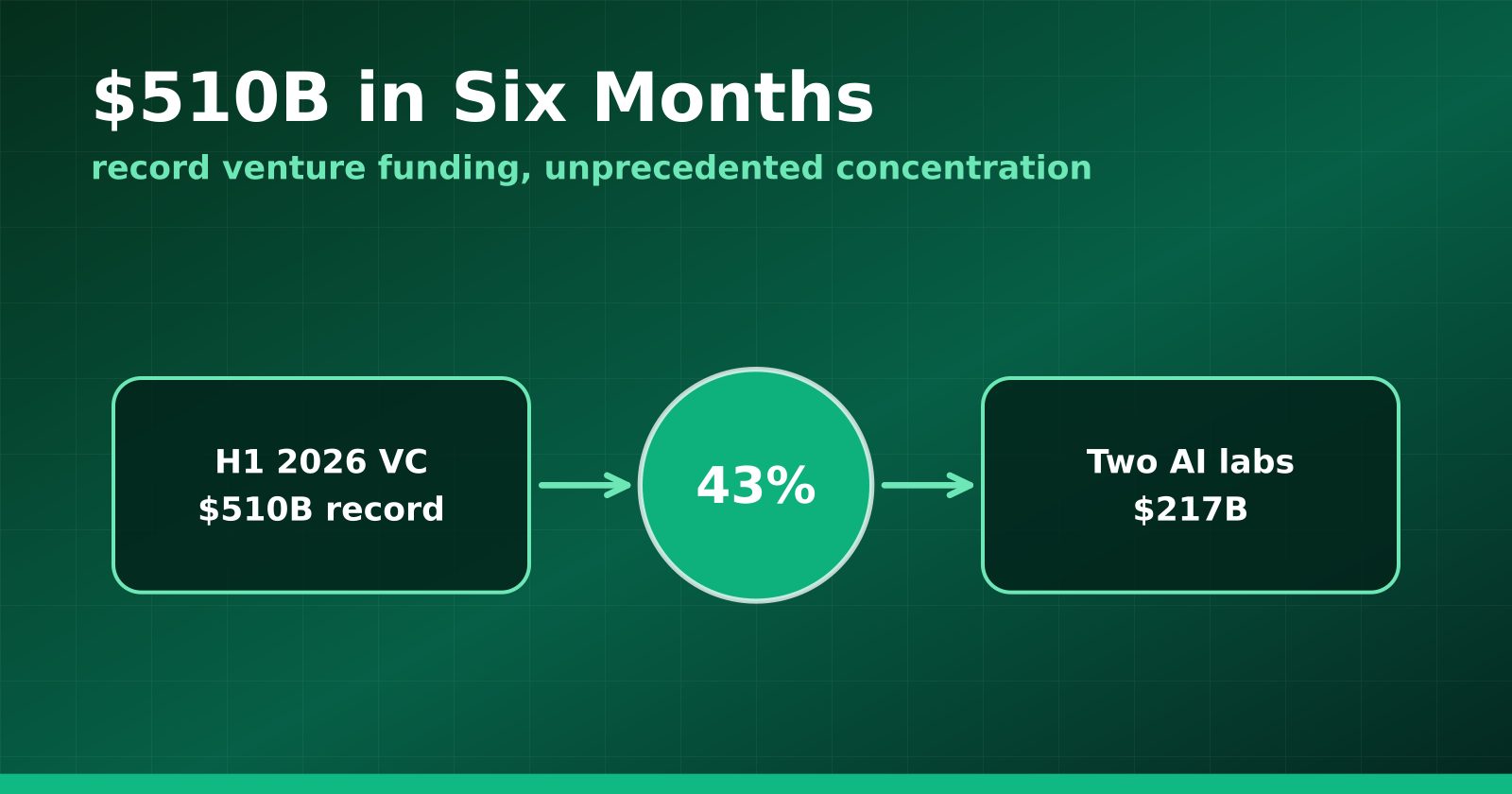
H1 2026 Venture Funding Hit a Record $510B — and Two AI Labs Took 43%
Crunchbase's half-year report shows global VC at an all-time high, with OpenAI and Anthropic alone absorbing $217 billion and AI claiming roughly two-thirds of all deployment.
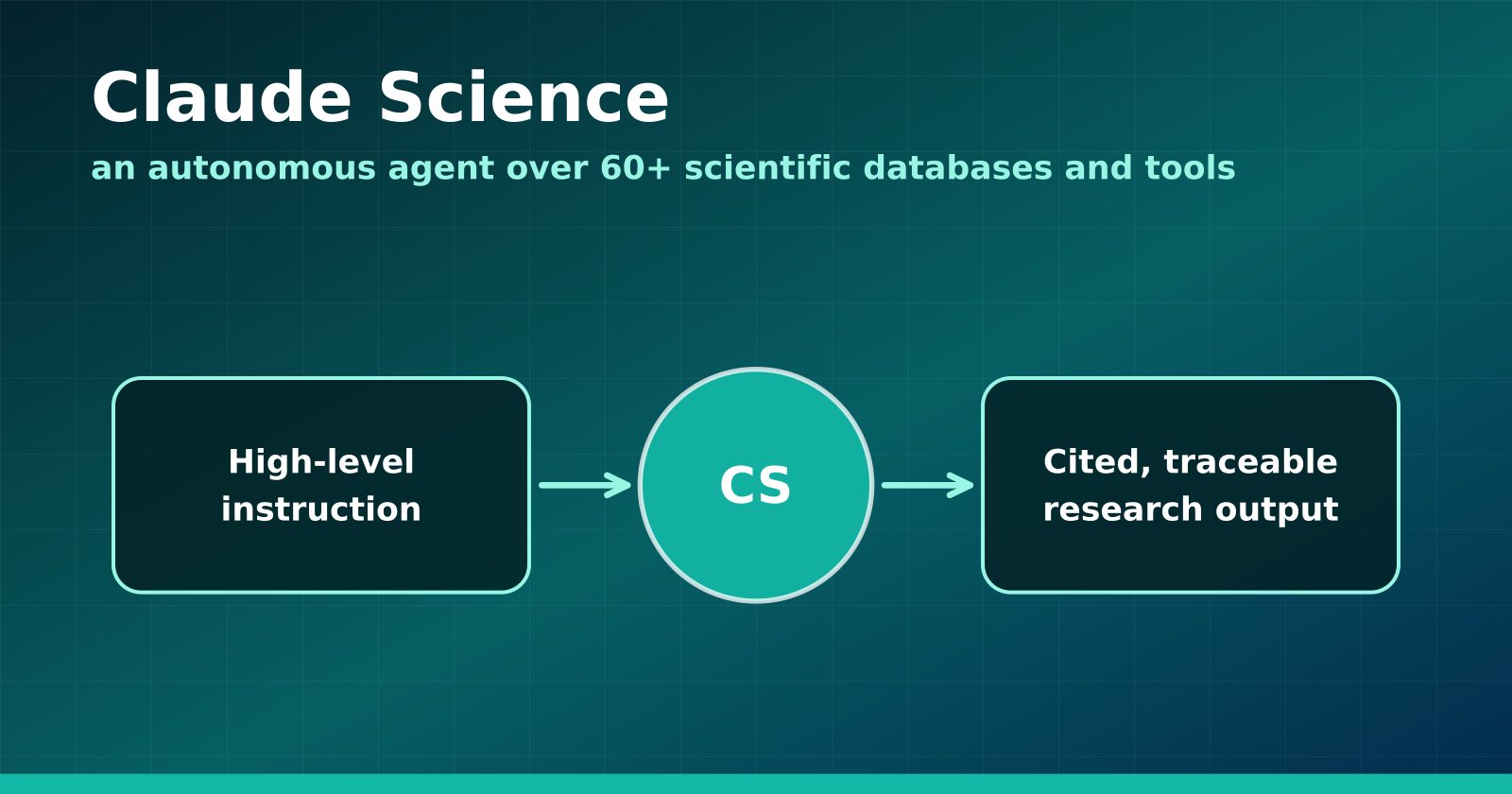
Claude Science Turns the Research Workbench Into an Agent Surface
Anthropic's new flagship product wires 60+ scientific databases and computation tools into an autonomous research agent — and Anthropic is using it to hunt drugs for neglected diseases.
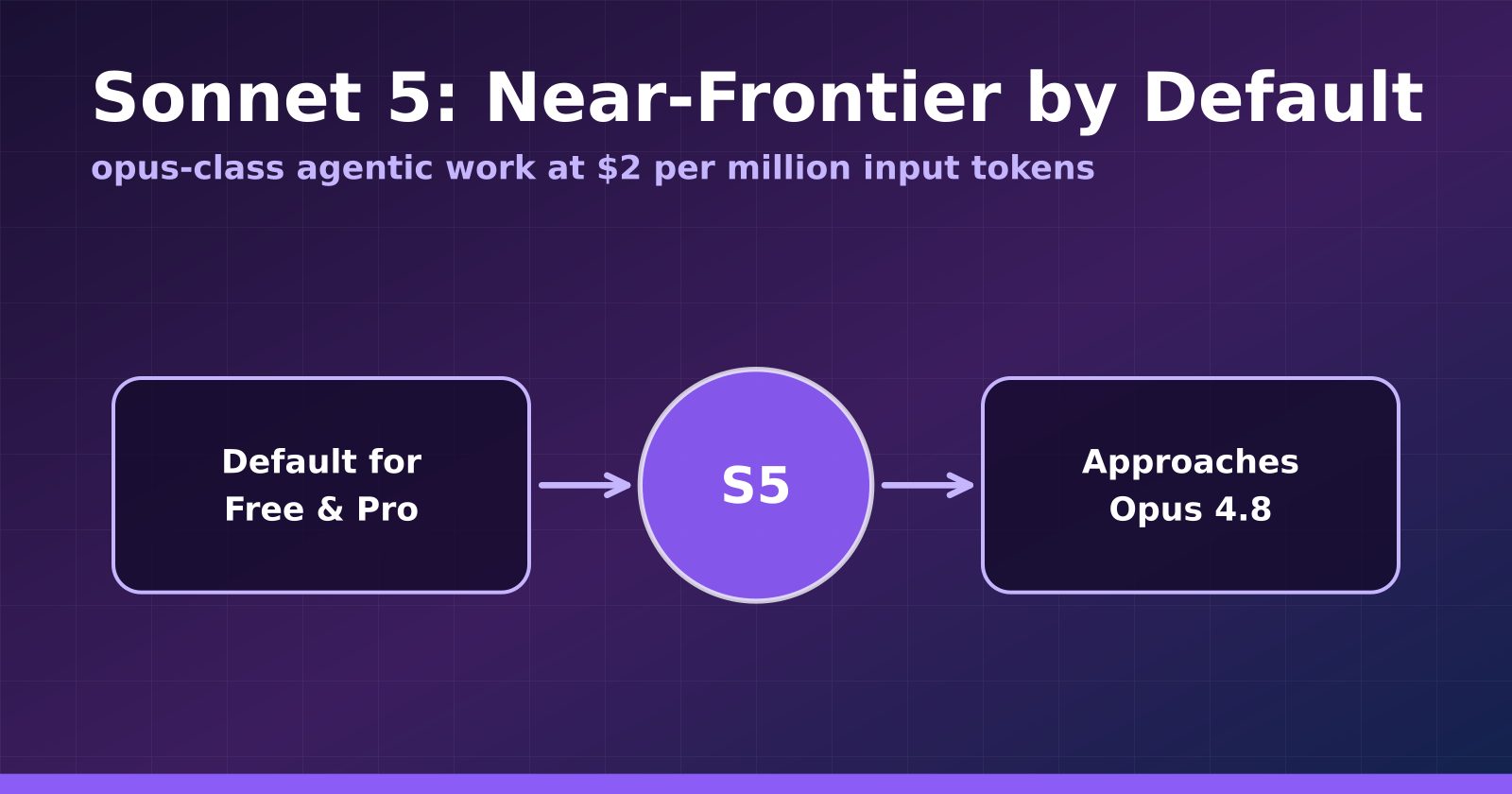
Claude Sonnet 5 Makes Near-Frontier Performance the Default Tier
Anthropic's Sonnet 5 launches at $2 per million input tokens, approaches Opus 4.8 on agentic benchmarks, and becomes the default for Free and Pro users.