BrainMap vs Notion vs Obsidian: Which Knowledge Tool Wins in 2026?

Choosing a knowledge management tool is a commitment. You're trusting it with your ideas, research, and intellectual output. Let's do an honest comparison of three popular options: BrainMap, Notion, and Obsidian.
Quick Comparison
| Feature | BrainMap | Notion | Obsidian |
|---|---|---|---|
| AI Classification | Built-in, automatic | AI add-on ($10/mo) | Community plugins |
| Semantic Search | Native | Basic search | Plugin required |
| Knowledge Graph | Interactive, built-in | Not available | Graph View plugin |
| Data Storage | Cloud (Cloudflare) | Cloud (AWS) | Local-first |
| Offline Access | Coming soon | Limited | Full offline |
| Free Tier | 50 AI/month | Limited blocks | Fully free (local) |
| Export | JSON + Markdown | Markdown | Native Markdown |
| Setup Time | Under 1 minute | 15-30 minutes | 30-60 minutes |
| Best For | AI-powered discovery | Team collaboration | Power users |
BrainMap: AI-First Knowledge Management
BrainMap takes a fundamentally different approach. Instead of asking you to organize your notes, it uses AI to do it for you.
Strengths
- Zero-config AI: Notes are automatically classified with topics, sub-topics, and tags the moment you save them
- Semantic search: Find notes by meaning, not just keywords
- Knowledge graph: Visualize connections between all your notes
- No setup overhead: Start writing immediately, AI handles the rest
- Export freedom: Full Obsidian-compatible Markdown export with YAML frontmatter
Limitations
- Newer platform (launched 2026)
- No offline mode yet
- Smaller plugin ecosystem
- Cloud-only (data on Cloudflare infrastructure)
Notion: The All-in-One Workspace
Notion is the Swiss Army knife of productivity tools. It can be a wiki, project manager, database, and note-taker — all in one.
Strengths
- Incredibly flexible — databases, kanban boards, wikis
- Strong team collaboration features
- Large template marketplace
- Mature API and integrations
Limitations
- AI features cost extra ($10/month per user)
- No knowledge graph visualization
- Complex setup for sophisticated workflows
- Search can be slow in large workspaces
- Vendor lock-in concerns
Obsidian: The Power User's Choice
Obsidian is a local-first Markdown editor with a powerful plugin ecosystem. It's beloved by developers and researchers.
Strengths
- Local-first — your data stays on your device
- Massive plugin ecosystem (1000+ plugins)
- Fully customizable with CSS and plugins
- Free for personal use
- Native Markdown files
Limitations
- Steep learning curve
- Requires manual organization
- Graph view is basic without plugins
- AI features require third-party plugins
- Sync costs $4/month (or use third-party sync)
Which Tool Should You Choose?
Choose BrainMap if you want
- AI to handle organization automatically
- Semantic search that understands meaning
- A knowledge graph without configuration
- Quick capture with zero friction
Choose Notion if you want
- Team collaboration and shared workspaces
- Databases and structured project management
- A flexible all-in-one tool
- Integration with many third-party services
Choose Obsidian if you want
- Full control over your data (local-first)
- Maximum customization via plugins
- To write in plain Markdown files
- Complete offline access
The Verdict
There's no single "best" tool — it depends on your priorities. But if you value AI-powered organization and automatic knowledge discovery, BrainMap offers capabilities that Notion and Obsidian simply don't have built-in.
The best way to decide? Try BrainMap free and see if the AI-first approach fits your workflow.
Ready to organize your knowledge with AI?
BrainMap automatically classifies your notes, discovers connections, and builds your personal knowledge graph. Free to start — no credit card required.
Start for FreeRelated Articles
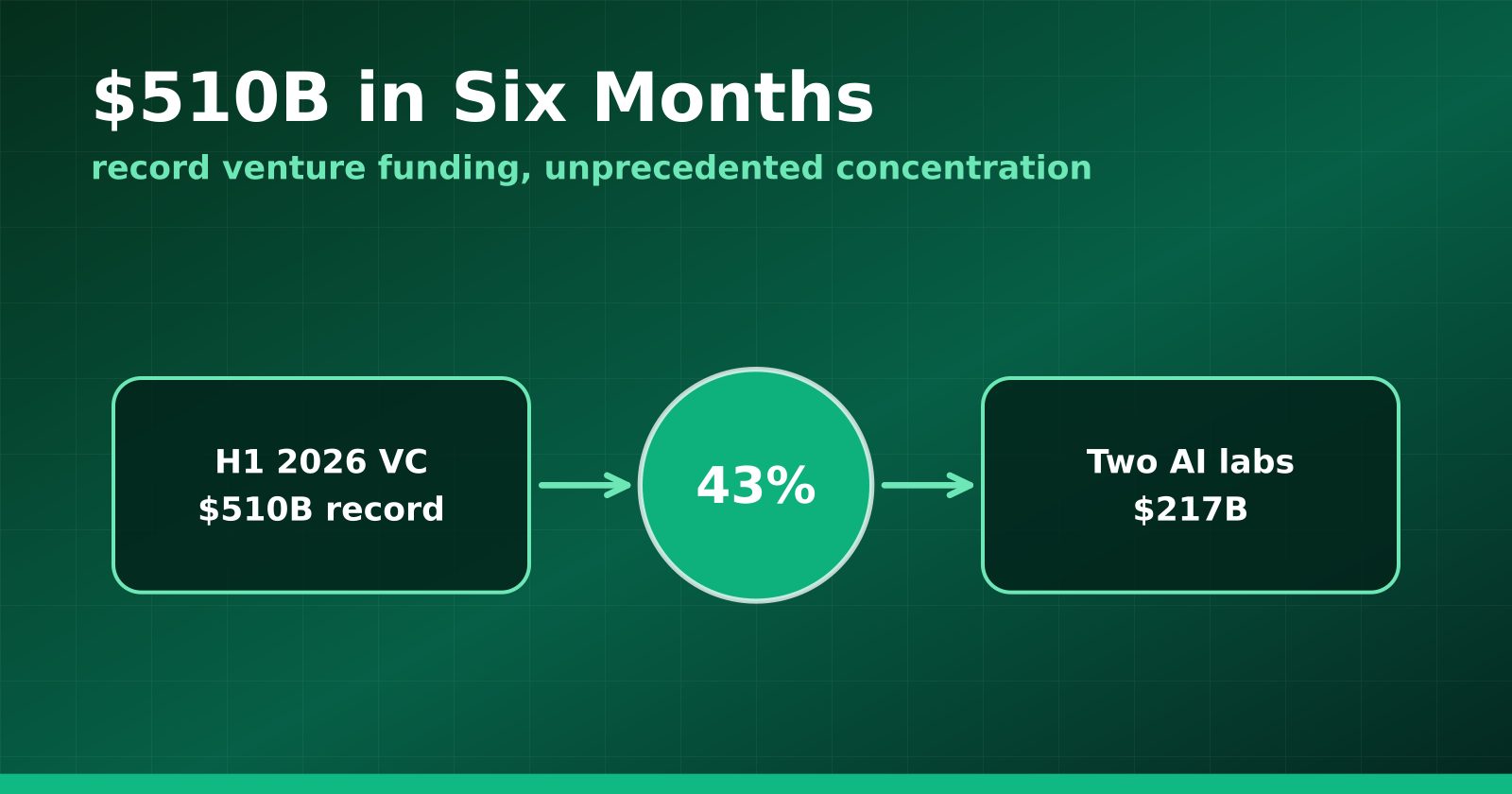
H1 2026 Venture Funding Hit a Record $510B — and Two AI Labs Took 43%
Crunchbase's half-year report shows global VC at an all-time high, with OpenAI and Anthropic alone absorbing $217 billion and AI claiming roughly two-thirds of all deployment.
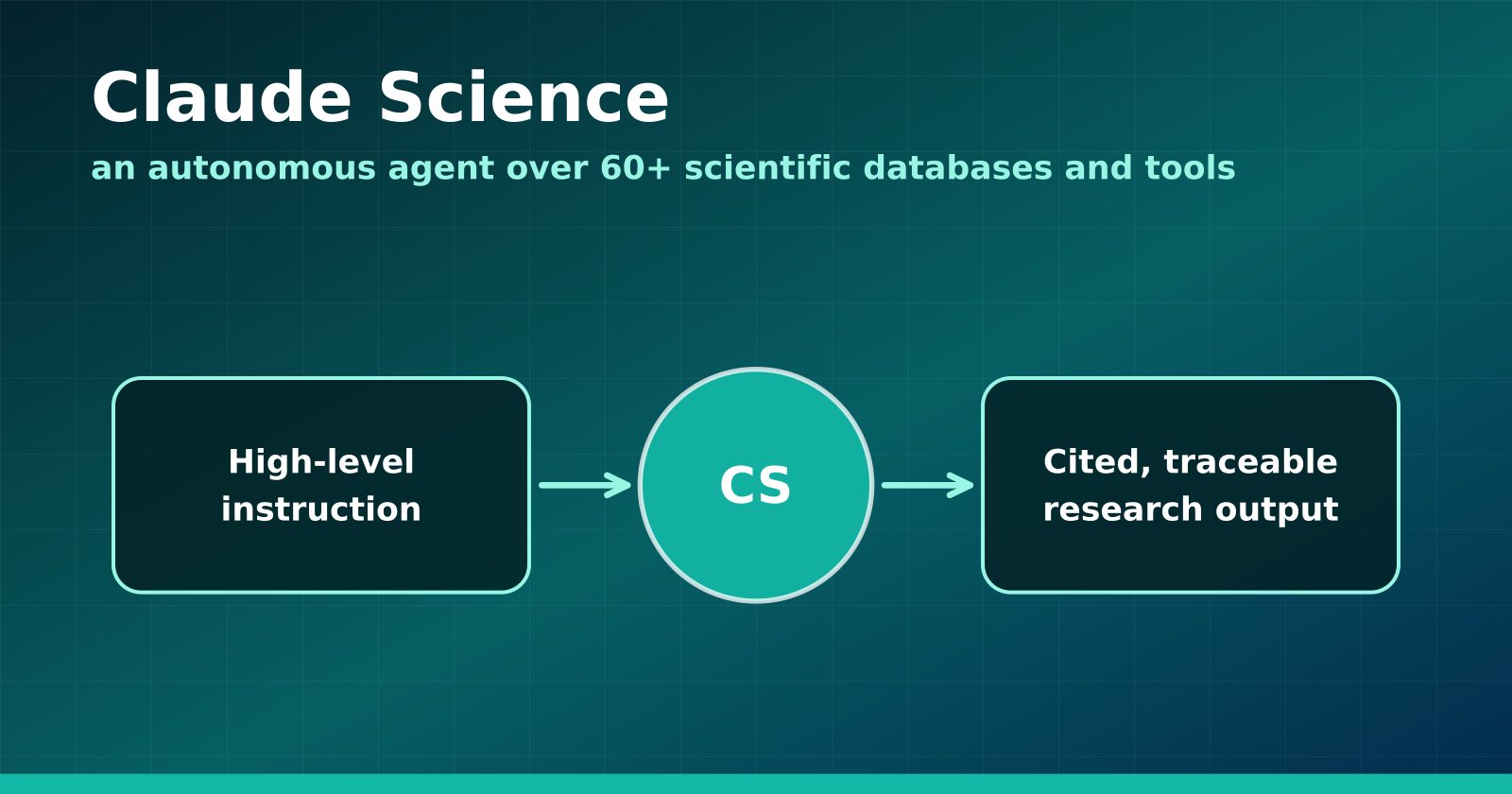
Claude Science Turns the Research Workbench Into an Agent Surface
Anthropic's new flagship product wires 60+ scientific databases and computation tools into an autonomous research agent — and Anthropic is using it to hunt drugs for neglected diseases.
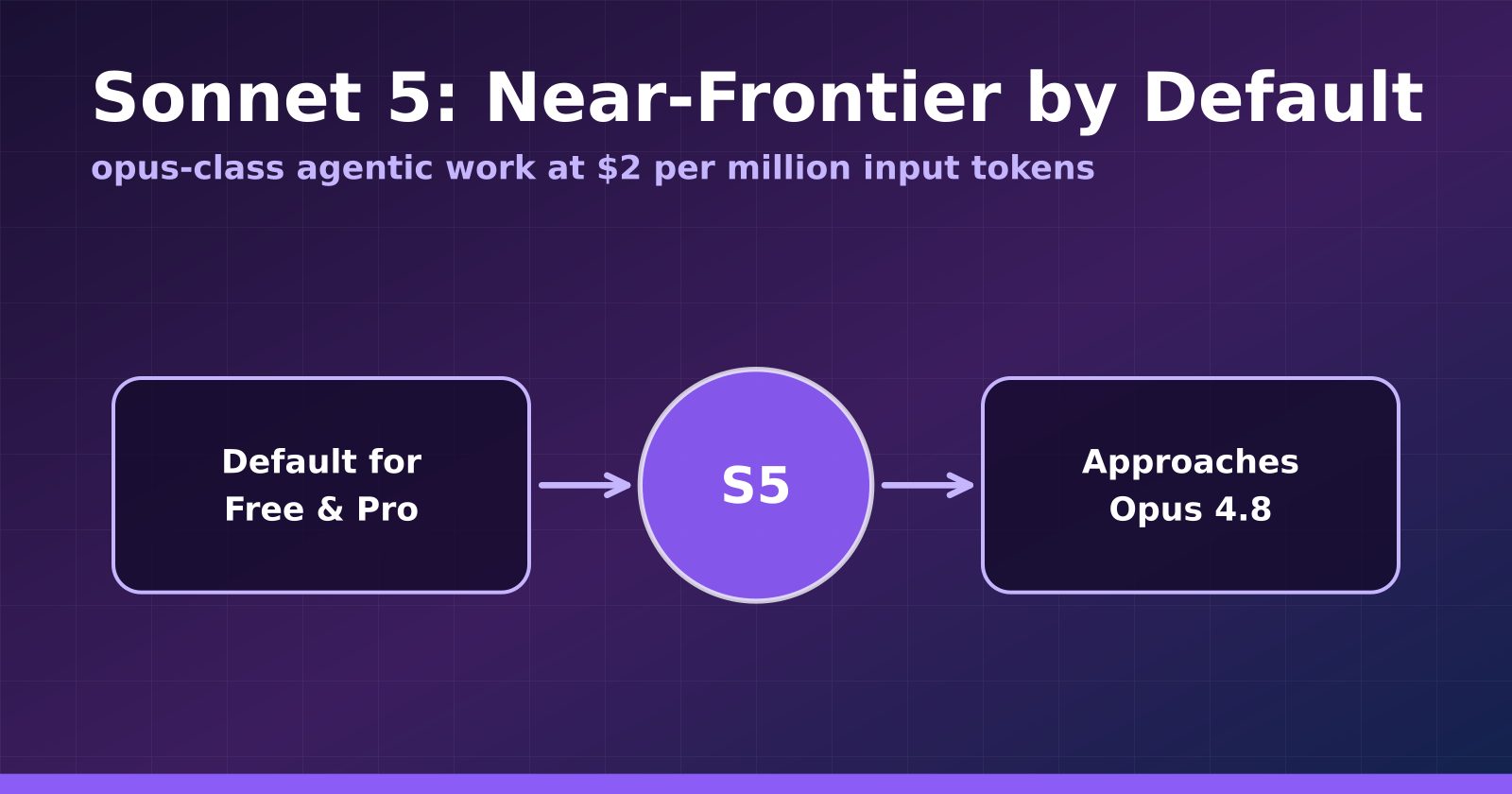
Claude Sonnet 5 Makes Near-Frontier Performance the Default Tier
Anthropic's Sonnet 5 launches at $2 per million input tokens, approaches Opus 4.8 on agentic benchmarks, and becomes the default for Free and Pro users.