Building a Second Brain the Andrej Karpathy Way: LLMs and Markdown
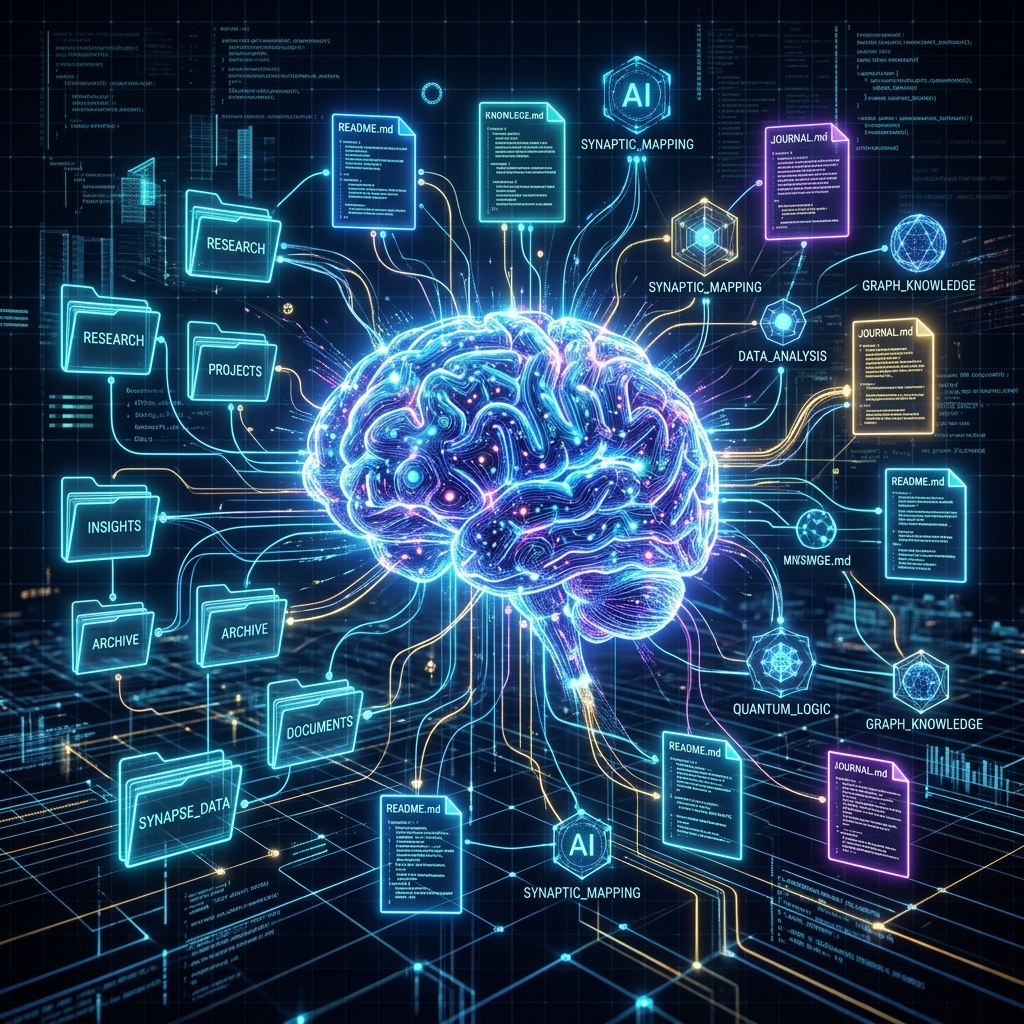
When Andrej Karpathy, one of the leading figures in AI and former Director of AI at Tesla, talks about managing knowledge, people listen. Recently, the concept of building a "Second Brain" has been heavily discussed in the AI community, inspired by Karpathy's methodology of using Large Language Models (LLMs) to actively curate and maintain personal knowledge bases.
Instead of relying on rigid, traditional note-taking applications, this new paradigm shifts toward a human-readable, machine-navigable structure powered by plain text and AI.
The Core Philosophy: LLM Knowledge Bases
The traditional approach to a Second Brain—championed by Tiago Forte's PARA method or Zettelkasten—requires intense manual labor to link, categorize, and organize notes. In contrast, the LLM-centric approach aims to solve the "stateless" nature of current AI chats by giving the model a permanent workspace.
Karpathy’s conceptual approach to this system usually involves maintaining a local folder of Markdown (.md) files, structured in a way that an LLM can easily read, write, and interlink them.
Why Markdown?
Markdown is the perfect bridge between human and machine readability. It is lightweight, non-proprietary (avoiding vendor lock-in), and extremely efficient for an LLM to parse compared to complex PDF documents or proprietary database formats.
The Three-Layer Architecture
An effective LLM-maintained Second Brain typically follows a simple, yet robust, structure:
raw/(The Inbox): This is where you dump raw source materials—transcripts, web clips, scattered thoughts, and PDFs.wiki/(The Compiled Knowledge): This is the LLM-maintained library of structured, interlinked, and summarized pages.CLAUDE.md(The System Prompt): A file acting as the operating instructions that dictate how the LLM should format, interlink, and maintain thewiki/files.

The Workflow: Let the AI Do the Heavy Lifting
The daily workflow with this setup changes the way you interact with information:
- Collect: You dump your raw, unstructured thoughts into the
raw/folder without worrying about organization. - Compile: You instruct your local LLM or coding assistant (like Claude Code) to process the new data. The AI acts as a research librarian—summarizing the raw text, extracting key insights, creating cross-references, and updating the existing Markdown files in your
wiki/. - Query: Instead of asking a generic AI a question from scratch, you query your knowledge base. The AI retrieves context from the compiled wiki, ensuring the answers are personalized to your stored knowledge.
The Compounding Value of a Second Brain
Unlike standard chat interfaces where context resets every session, this system compounds. Every interaction improves the structure and depth of the wiki. The LLM continuously lints files, fixes broken links, and identifies gaps in your knowledge graph.
Enter BrainMap
While building a custom local LLM setup with Markdown files is powerful, it can be highly technical to set up and maintain. This is where BrainMap shines.
BrainMap adopts the same fundamental philosophies—leveraging AI to organize and interlink knowledge automatically—but removes the friction of managing scripts and local LLM agents. With BrainMap, you simply drop your notes into the system, and our AI automatically classifies them, creates semantic connections, and builds an interactive knowledge graph.
By combining the freedom of a Markdown-based Second Brain with the seamless experience of a cloud-native application, BrainMap allows you to focus on learning, while the AI takes care of the organizing.
Ready to build your Second Brain? Start using BrainMap today.
Ready to organize your knowledge with AI?
BrainMap automatically classifies your notes, discovers connections, and builds your personal knowledge graph. Free to start — no credit card required.
Start for FreeRelated Articles
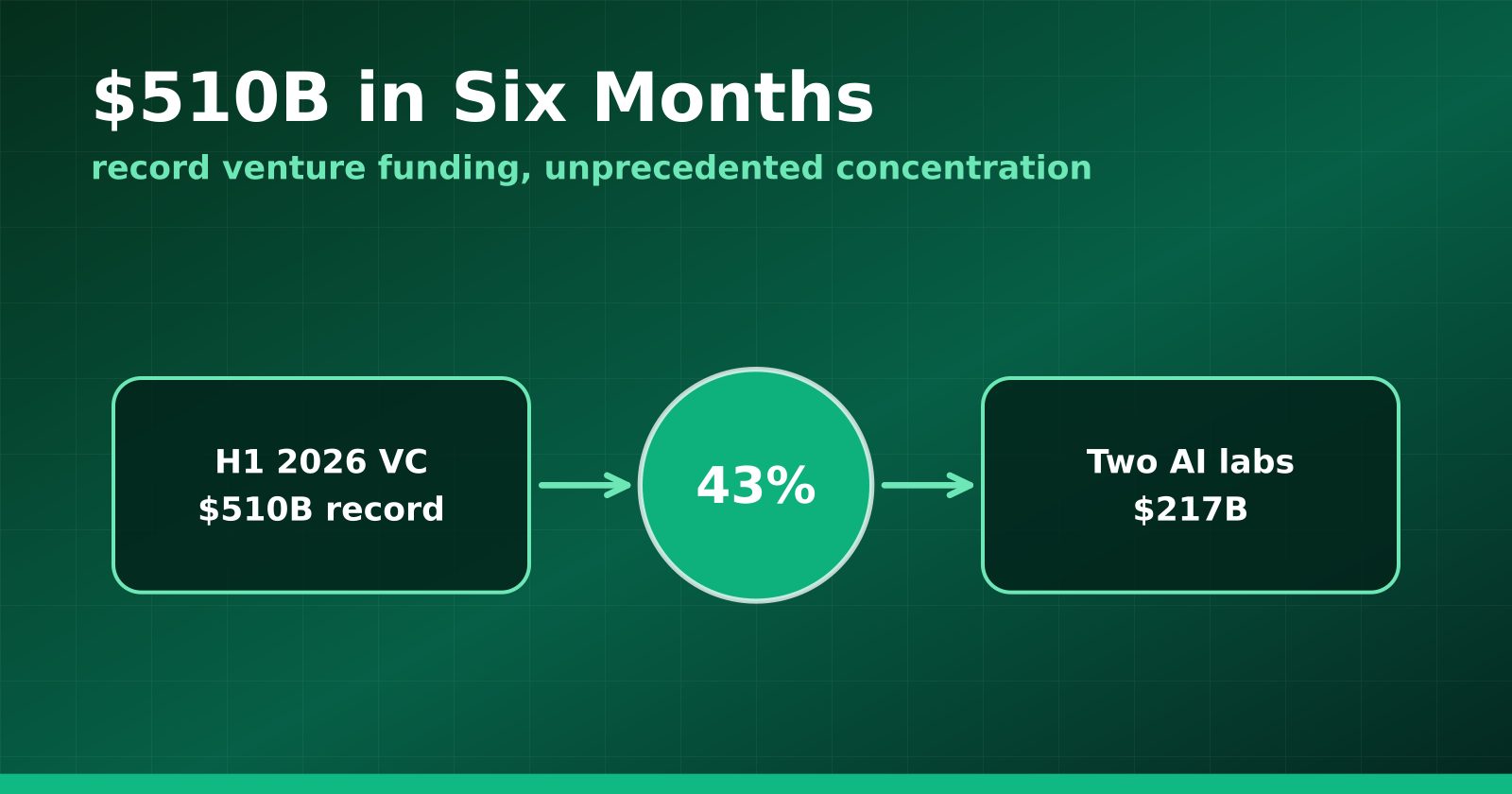
H1 2026 Venture Funding Hit a Record $510B — and Two AI Labs Took 43%
Crunchbase's half-year report shows global VC at an all-time high, with OpenAI and Anthropic alone absorbing $217 billion and AI claiming roughly two-thirds of all deployment.
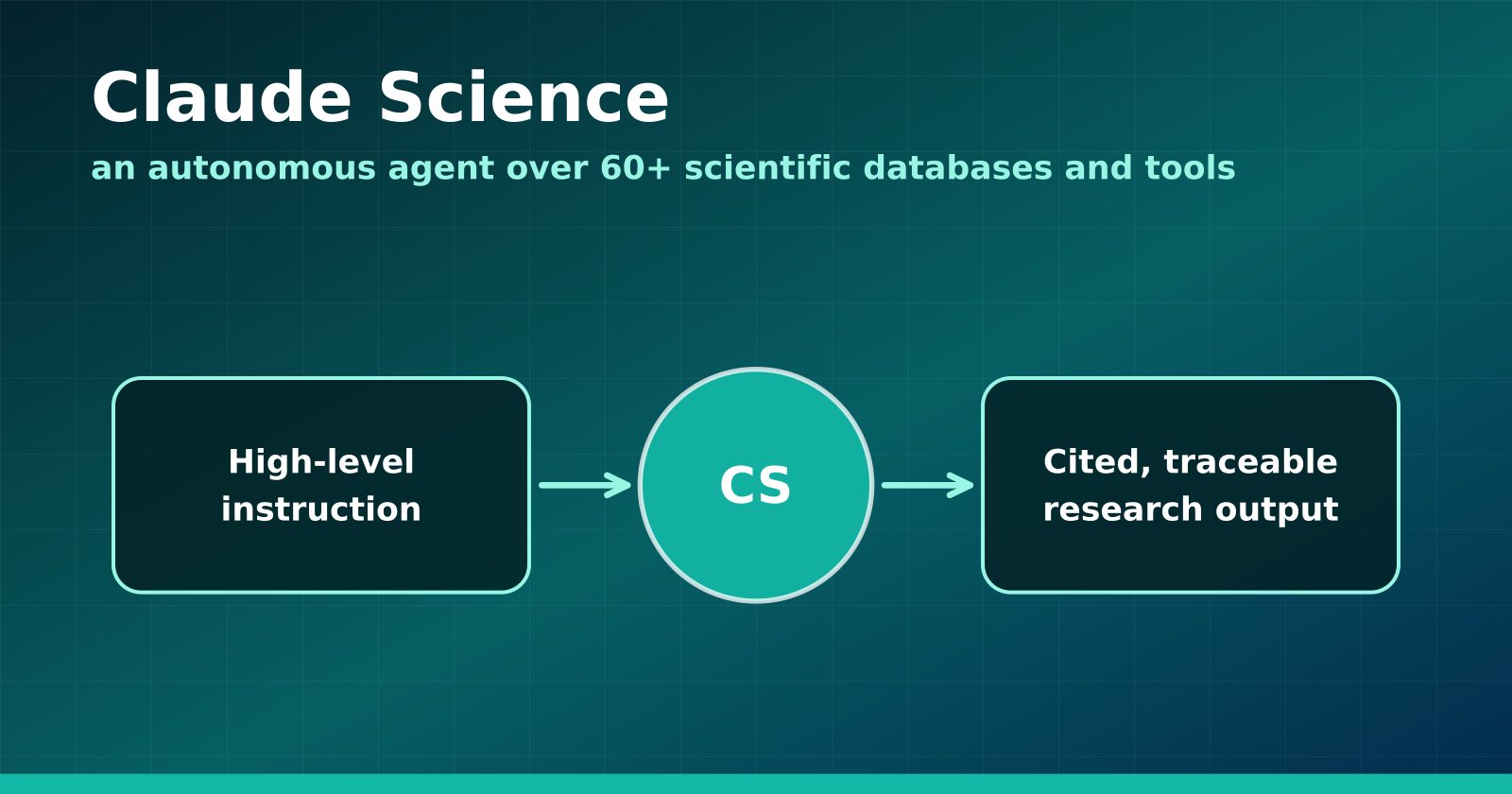
Claude Science Turns the Research Workbench Into an Agent Surface
Anthropic's new flagship product wires 60+ scientific databases and computation tools into an autonomous research agent — and Anthropic is using it to hunt drugs for neglected diseases.
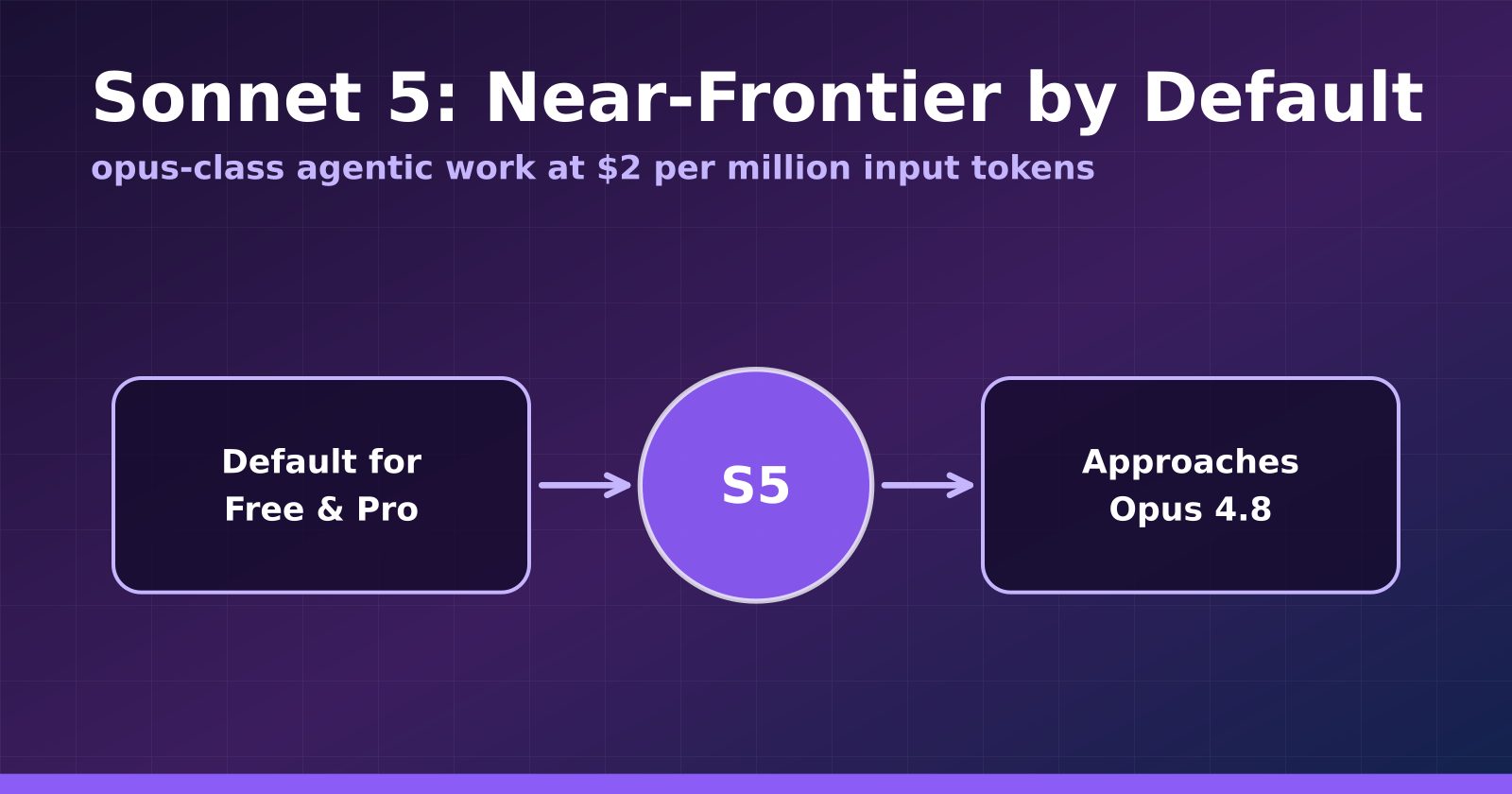
Claude Sonnet 5 Makes Near-Frontier Performance the Default Tier
Anthropic's Sonnet 5 launches at $2 per million input tokens, approaches Opus 4.8 on agentic benchmarks, and becomes the default for Free and Pro users.