Gemini Live API Makes Real-Time Multimodal Apps Feel Native
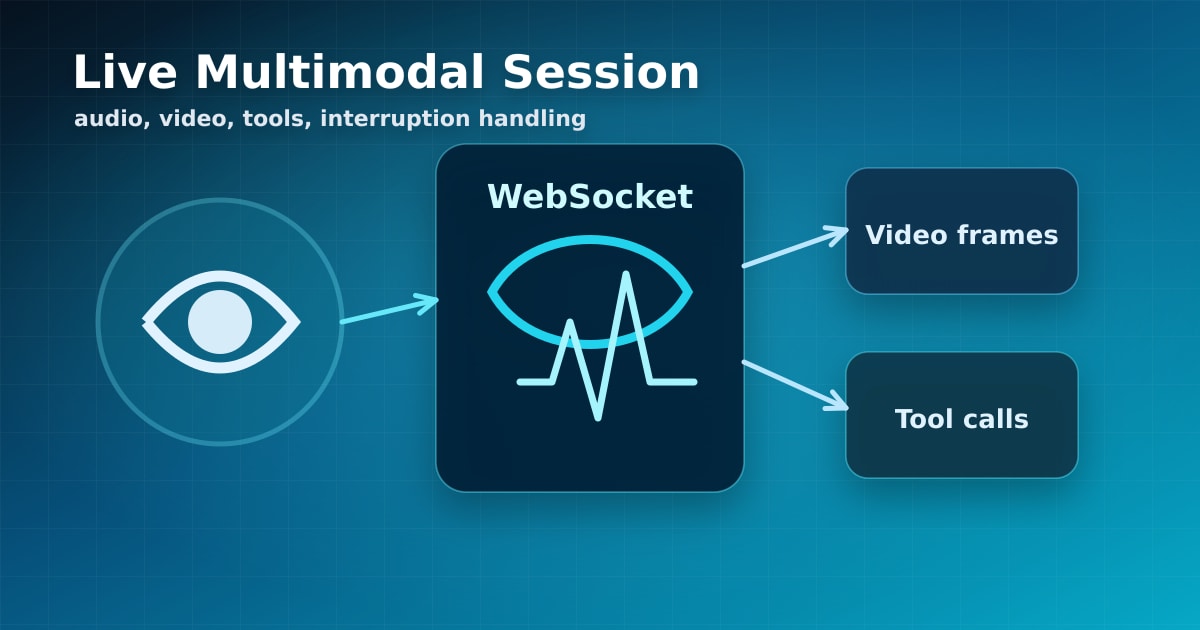
The Gemini Live API is one of the clearest signs that AI interfaces are moving beyond text boxes. Google's documentation describes a stateful, bidirectional WebSocket API for low-latency voice and video interactions with Gemini models. Instead of stitching together speech-to-text, a text model, and text-to-speech, developers can build sessions that handle audio, video, text, transcripts, tool calls, and interruptions in one loop.
What Changes for App Design
Live AI feels different because it has timing pressure. A normal chat interface can wait for a complete response. A voice agent has to handle barge-in, partial context, silence, background noise, device permissions, and user impatience. The Gemini Live API supports continuous input streams and model output that can include audio and text, which makes it a better fit for tutors, support agents, accessibility tools, and hands-free workflows.
Google's enterprise documentation also highlights native audio, voice activity detection, affective dialog, tool use, and transcription support. Those capabilities shift the design target from "send prompt, receive answer" to "maintain a session."
Stateful Sessions Need Strong Boundaries
A live session is not just a transport connection. It is an evolving context that may contain user speech, screen frames, tool results, and policy decisions. That means product teams need to think about retention, consent, redaction, and failure recovery before they add a microphone button.
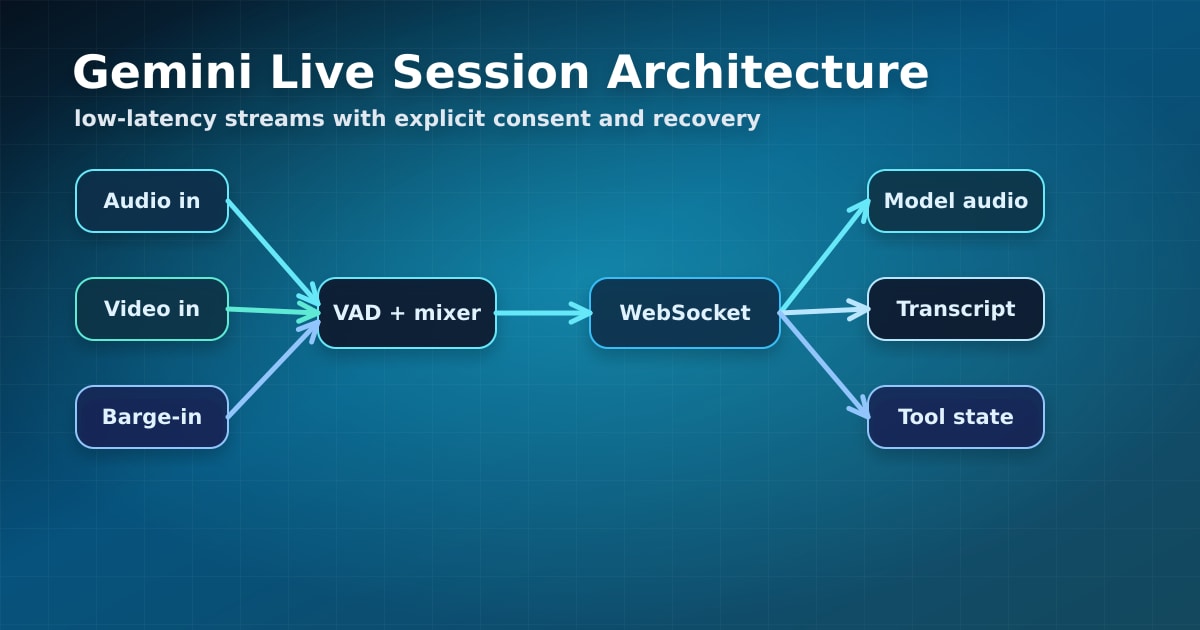
Caption: A live multimodal session coordinates audio, video, text, tools, transcripts, and policy checks.
The best experiences will feel instant to users while staying conservative with sensitive inputs.
Engineering Tip: Build a Reconnectable Session Layer
Wrap the Live API connection in your own session manager. Track connection state, input device state, transcript state, tool-call state, and user consent separately. If the WebSocket drops, your app should be able to resume gracefully, summarize recent context, or restart with a clear user-facing state.
For browser apps, isolate microphone capture, audio playback, and model transport into separate modules. Add backpressure controls so video frames do not overwhelm the session. Store transcripts only after an explicit product decision, and redact sensitive fields before sending them to analytics or logs.
Sources: Gemini Live API Reference, Firebase AI Logic Live API, Google Cloud Live API Docs.
What do you think? Which apps should become voice-first now that live multimodal APIs are practical?
Ready to organize your knowledge with AI?
BrainMap automatically classifies your notes, discovers connections, and builds your personal knowledge graph. Free to start — no credit card required.
Start for FreeRelated Articles
Anthropic’s Threat Report Makes ‘Slow Down’ an Industry Question
Anthropic says it disrupted Claude misuse tied to bioweapons research, Russia-linked cyber espionage against Ukraine, and attempts to extract Claude’s capabilities. A missed hacking incident and a call from Dario Amodei are pushing the question of model-development speed into the open.
Siri AI in iOS 27: Apple Turns Personal Context Into an On-Device Assistant
Apple's Siri AI beta brings context from email, messages, calendar, photos, and notes to iOS 27—with onscreen awareness, cross-app actions, and a local-first privacy model.
Claude Fable 5.1: Cheaper Agent Loops, Tiered Safety by Design
Anthropic released Fable 5.1 and Mythos 5.1 as the same model with different safeguard levels, while lower cache-read pricing changes the economics of long-running agents.