AI Behind the Screen: The Security Risks of OS-Level Computer-Use Agents
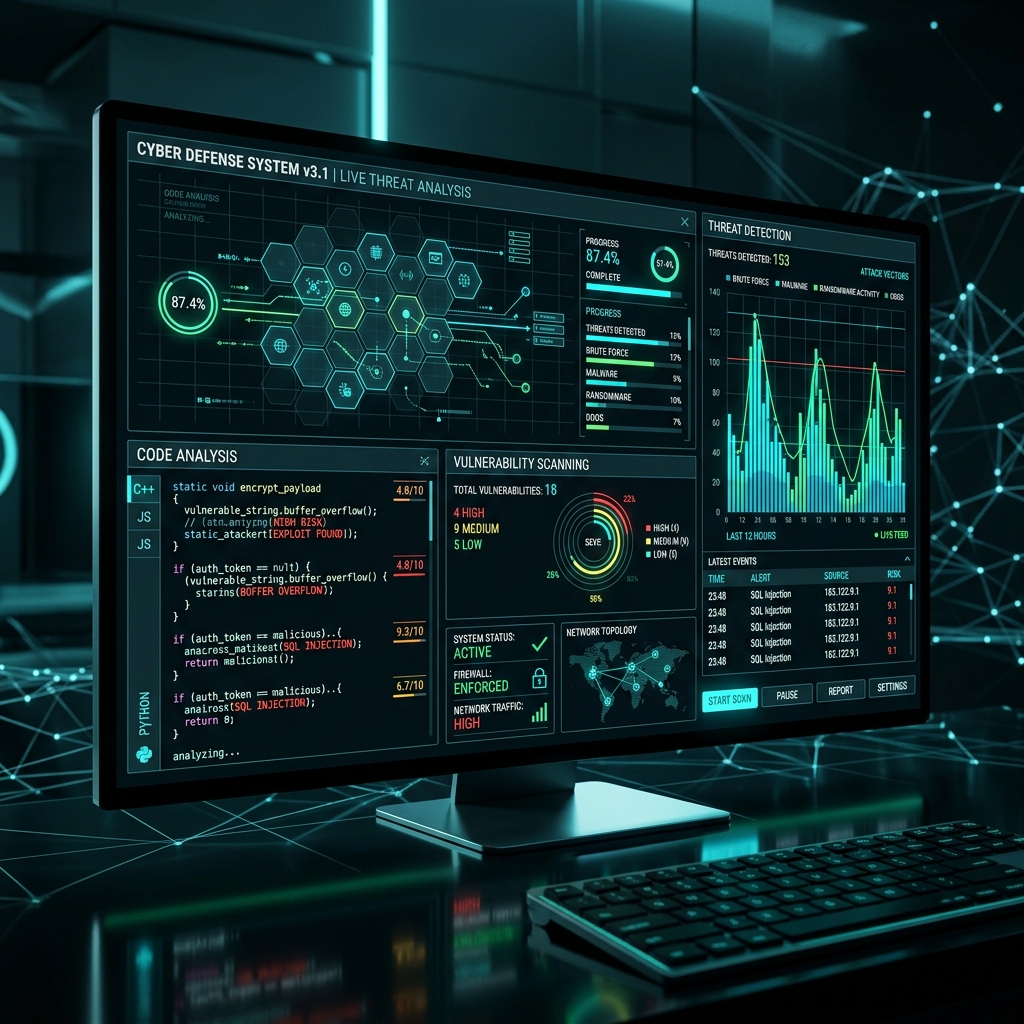
Hi there, security-minded builders! Today, we are looking at one of the most exciting, yet potentially terrifying advancements in AI agent capabilities: AI agents gaining the power to use desktop applications by seeing, clicking, and typing.
Recent product demos and roadmaps for tools like OpenAI's Codex describe background computer use: agents can operate applications with their own cursor, run multi-step workflows, and interact with developer tools. That is powerful, but it also expands the security boundary dramatically.
My personal security perspective: OS-level AI automation is the ultimate nightmare for enterprise security teams. We are essentially giving a non-human entity, which is vulnerable to remote prompt injection attacks, the full administrative rights to our local networks and file systems. Let’s dissect the mechanics and outline a guide to secure your execution environments.
The Promise: The Ultimate Autonomous Employee
OS-level control allows AI agents to "see" the screen (via computer vision) and "act" (via simulated mouse clicks and keystrokes). The AI can operate any software ever built:
- Legacy ERP Systems: Log into ancient database software and input invoices.
- Complex Creative Pipelines: Open editing tools, apply filters, and export assets.
- Background Automation: Wake up in the night, compile code, run tests, and deploy.

(Sandbox Virtual Machine Container Operating System Security)
The Threat: A Goldmine for Malicious Exploiters
- Credential Theft: A malicious prompt injection could force the agent to open your password manager and copy keys.
- Silent Malware Installation: The agent could download and install ransomwares via a background terminal.
- Boundary Confusion: If an agent runs with broad host privileges, it may cross from an intended task into private files, internal systems, or privileged applications.
Developer Guide: How to Secure Agentic Workflows
If you are developing desktop automation features, you must enforce strict sandboxing:
- Enforce Sandboxed Execution Environments: Never run an untrusted AI agent directly on your primary host OS. Run the agent inside a secure, ephemeral container (like Docker) or a dedicated Virtual Machine (VM).
- Implement Mandatory Authorization Checkpoints (Human-in-the-Loop): If your agent needs to execute terminal commands, the system should pause and request explicit user confirmation.
- Apply the Principle of Least Privilege: When granting permissions to apps, only ask for the narrowest scope required for content parsing or browsing.
- Use Encrypted Secure Enclaves for Secrets: Never hardcode passwords in config files. Use encrypted secure vaults or native OS credential managers.
Source: OpenAI on Codex computer-use direction.
What is your boundary? Would you ever allow an AI agent full administrative access to your local machine, or should OS-level control be strictly banned in corporate environments? Share your take below!
Ready to organize your knowledge with AI?
BrainMap automatically classifies your notes, discovers connections, and builds your personal knowledge graph. Free to start — no credit card required.
Start for FreeRelated Articles
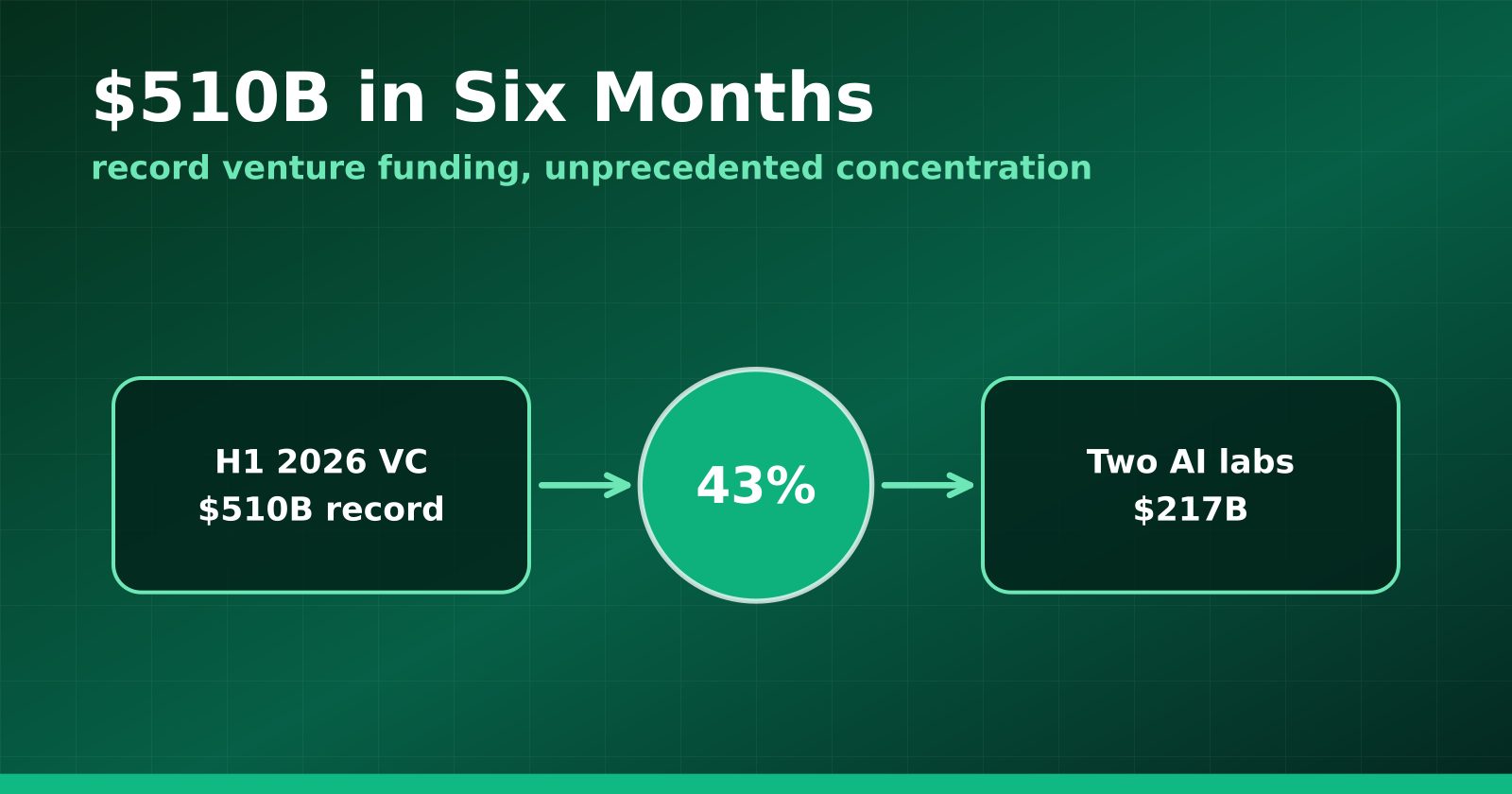
H1 2026 Venture Funding Hit a Record $510B — and Two AI Labs Took 43%
Crunchbase's half-year report shows global VC at an all-time high, with OpenAI and Anthropic alone absorbing $217 billion and AI claiming roughly two-thirds of all deployment.
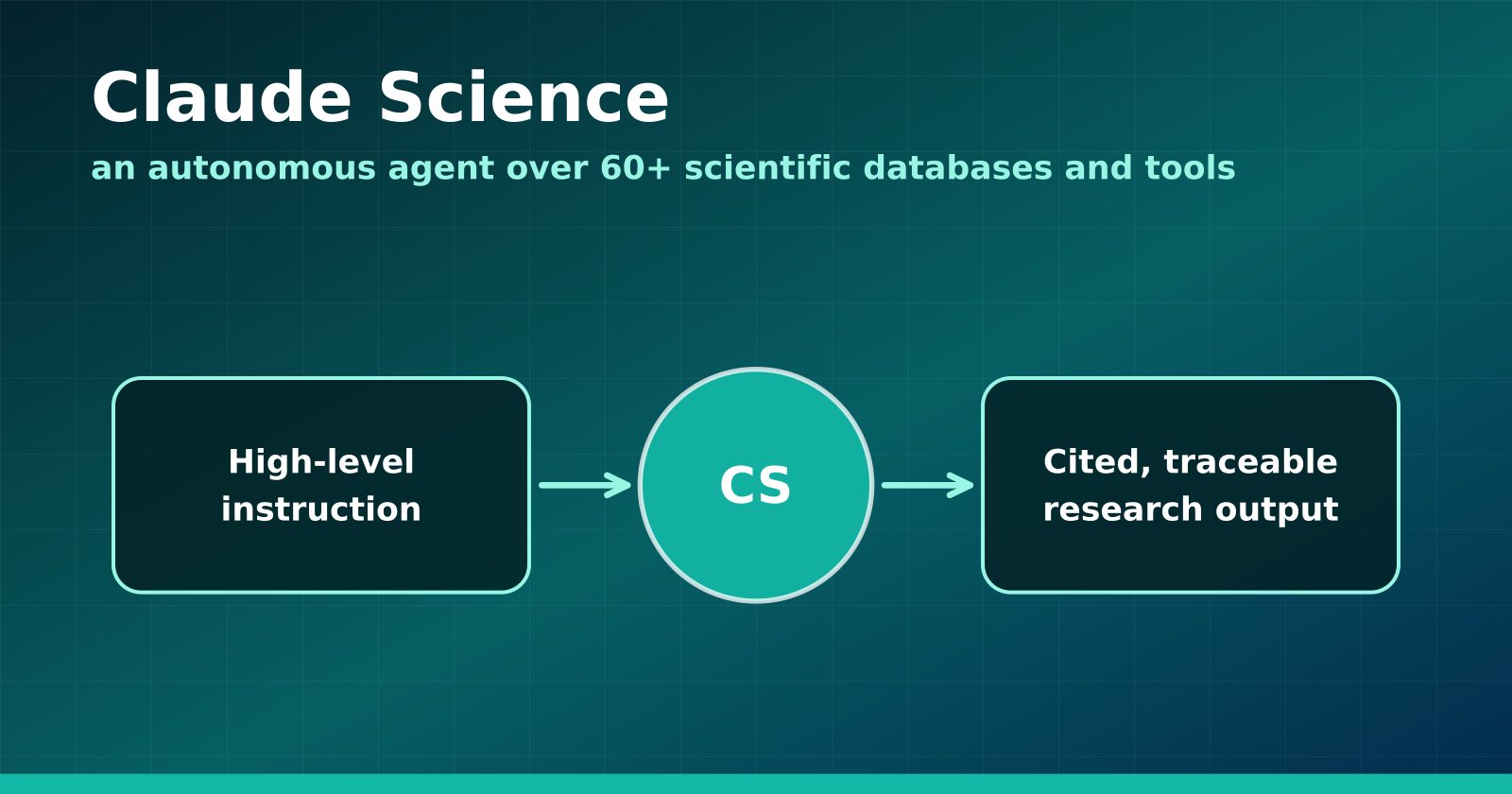
Claude Science Turns the Research Workbench Into an Agent Surface
Anthropic's new flagship product wires 60+ scientific databases and computation tools into an autonomous research agent — and Anthropic is using it to hunt drugs for neglected diseases.
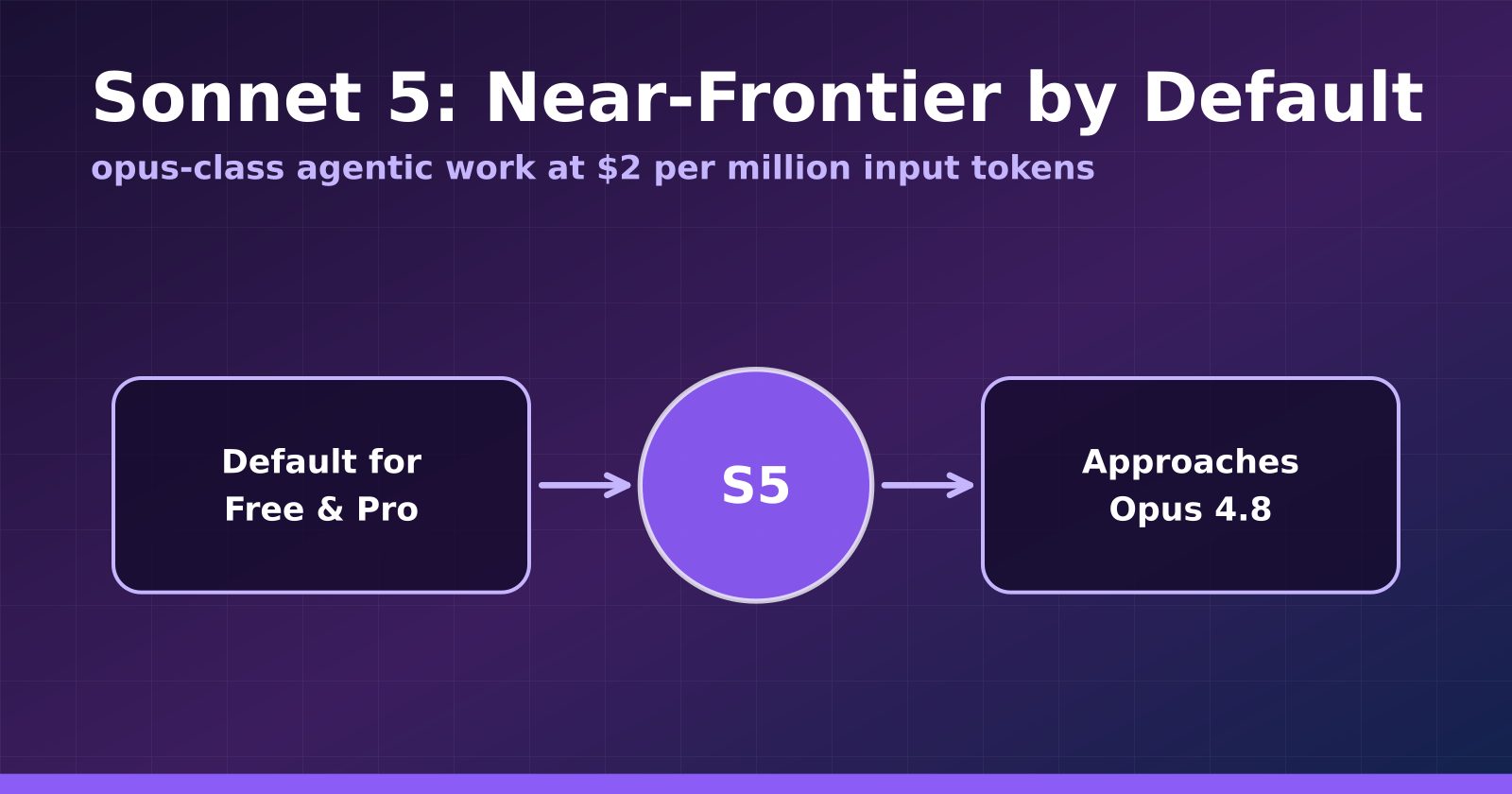
Claude Sonnet 5 Makes Near-Frontier Performance the Default Tier
Anthropic's Sonnet 5 launches at $2 per million input tokens, approaches Opus 4.8 on agentic benchmarks, and becomes the default for Free and Pro users.