Semantic Search vs Full-Text Search: Why It Matters for Your Notes
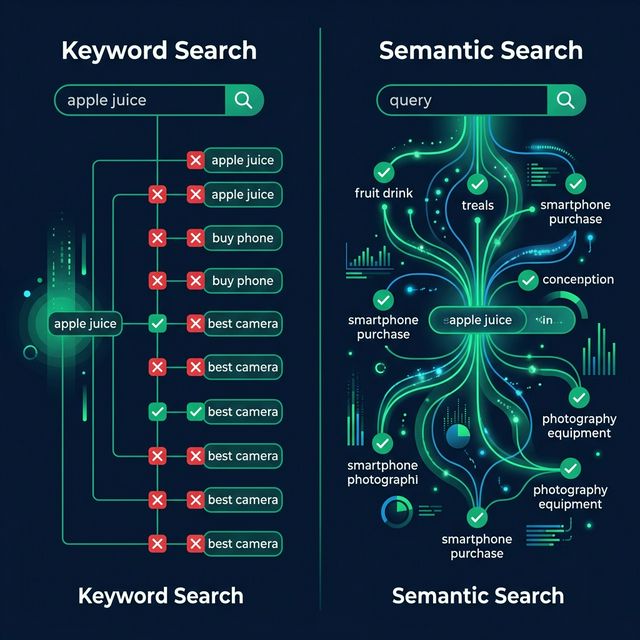
You search your notes for "ways to improve team communication" but find nothing — even though you have a detailed note titled "Async Collaboration Best Practices." This is the fundamental limitation of full-text search, and it's why semantic search changes everything.
How Full-Text Search Works
Full-text search (FTS) matches the exact words you type against the words in your documents. Modern FTS engines like SQLite FTS5 add some intelligence:
- Tokenization: Breaks text into individual words
- Stemming: Matches "running" when you search "run"
- BM25 ranking: Scores results by term frequency and document length
- Prefix matching: Finds "productivity" when you type "produc"
The Strengths
Full-text search is fast, reliable, and deterministic. When you search for "BM25 ranking algorithm," it will find exactly that phrase. There's no ambiguity.
The Weakness
FTS is literal. It doesn't understand that "ways to improve team communication" is semantically identical to "async collaboration best practices." If the words don't match, FTS can't find it.
How Semantic Search Works
Semantic search converts text into mathematical representations called vector embeddings. Each piece of text becomes a point in a high-dimensional space where similar meanings cluster together.
The Process
- Embedding: Your note text is converted into a vector (e.g., 512 numbers) using an AI model
- Indexing: Vectors are stored in a vector database (like Cloudflare Vectorize)
- Query: Your search query is also converted to a vector
- Similarity: The system finds notes whose vectors are closest to your query vector
Why It Works
Because the AI model learned from billions of text examples, it understands that "team communication" and "async collaboration" are related concepts. They end up close together in vector space, even though they share no common words.
Practical Comparison
| Scenario | Full-Text Result | Semantic Result |
|---|---|---|
| Search: "machine learning basics" | Finds notes with those exact words | Also finds "Introduction to Neural Networks" |
| Search: "saving money tips" | Only notes with "saving money" | Also finds "Budget Optimization Strategies" |
| Search: "BM25 algorithm" | Perfect match | Perfect match (also works for exact terms) |
| Search: "Python error handling" | Notes mentioning those words | Also finds "Try-Except Best Practices" |
BrainMap's Hybrid Approach
BrainMap doesn't force you to choose. It offers three search modes:
Keyword Mode
Pure FTS5 with BM25 ranking. Fast, precise, and great for exact matches. When you know the specific term, keyword search is perfect.
Semantic Mode
Vector similarity search using AI embeddings. Best for finding related content when you can't remember the exact words.
Hybrid Mode
The best of both worlds. BrainMap runs both keyword and semantic search simultaneously, then merges results using Reciprocal Rank Fusion (RRF). This ensures you get both exact matches and semantically related results.
The Technical Stack
For those curious about the engineering:
- Keyword search: SQLite FTS5 with BM25 scoring, running on Cloudflare D1
- Semantic search: Cloudflare Vectorize with 512-dimensional embeddings
- Embedding model: Qwen3 with Matryoshka truncation and L2 normalization
- Fusion: RRF with configurable weights between keyword and semantic scores
Why This Matters for Personal Knowledge
The average knowledge worker creates hundreds of notes per year. After a year, finding the right note becomes a needle-in-a-haystack problem — unless your search understands meaning.
Semantic search transforms your note collection from a graveyard of forgotten text into a living, findable knowledge base. Combined with a knowledge graph, you not only find what you're looking for — you discover what you didn't know you had.
Experience semantic search — try searching your notes by meaning, not just keywords.
Ready to organize your knowledge with AI?
BrainMap automatically classifies your notes, discovers connections, and builds your personal knowledge graph. Free to start — no credit card required.
Start for FreeRelated Articles
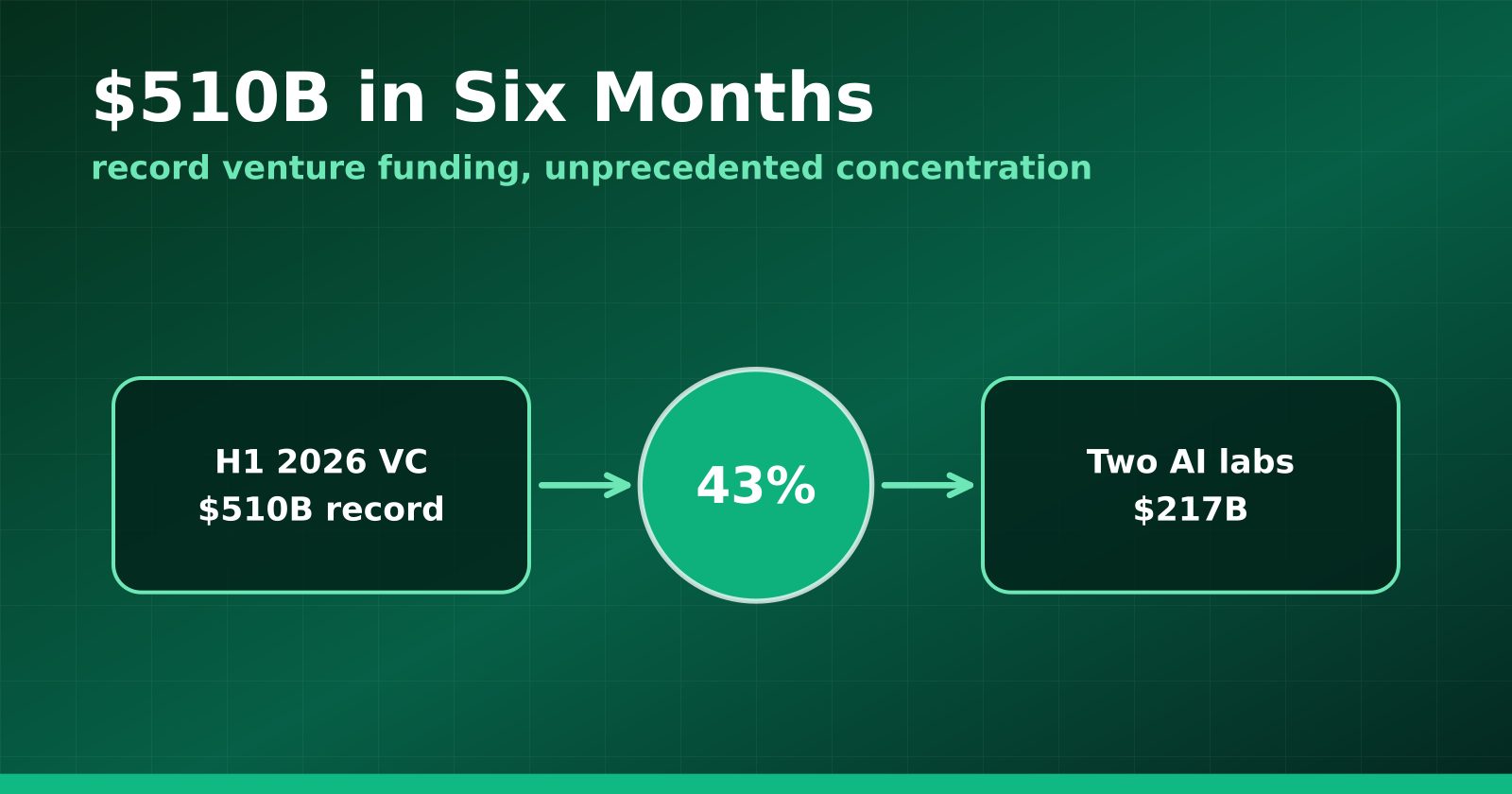
H1 2026 Venture Funding Hit a Record $510B — and Two AI Labs Took 43%
Crunchbase's half-year report shows global VC at an all-time high, with OpenAI and Anthropic alone absorbing $217 billion and AI claiming roughly two-thirds of all deployment.
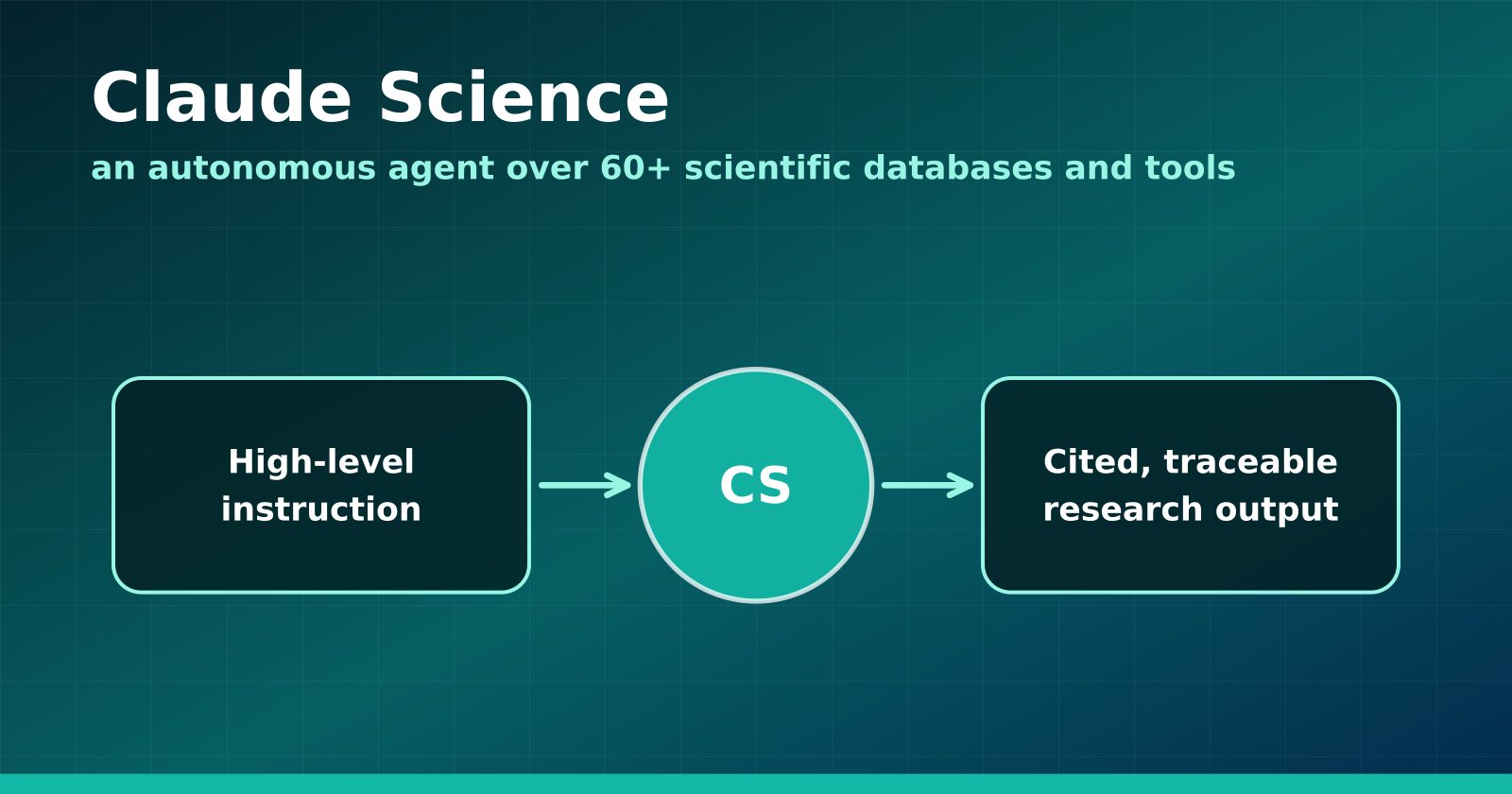
Claude Science Turns the Research Workbench Into an Agent Surface
Anthropic's new flagship product wires 60+ scientific databases and computation tools into an autonomous research agent — and Anthropic is using it to hunt drugs for neglected diseases.
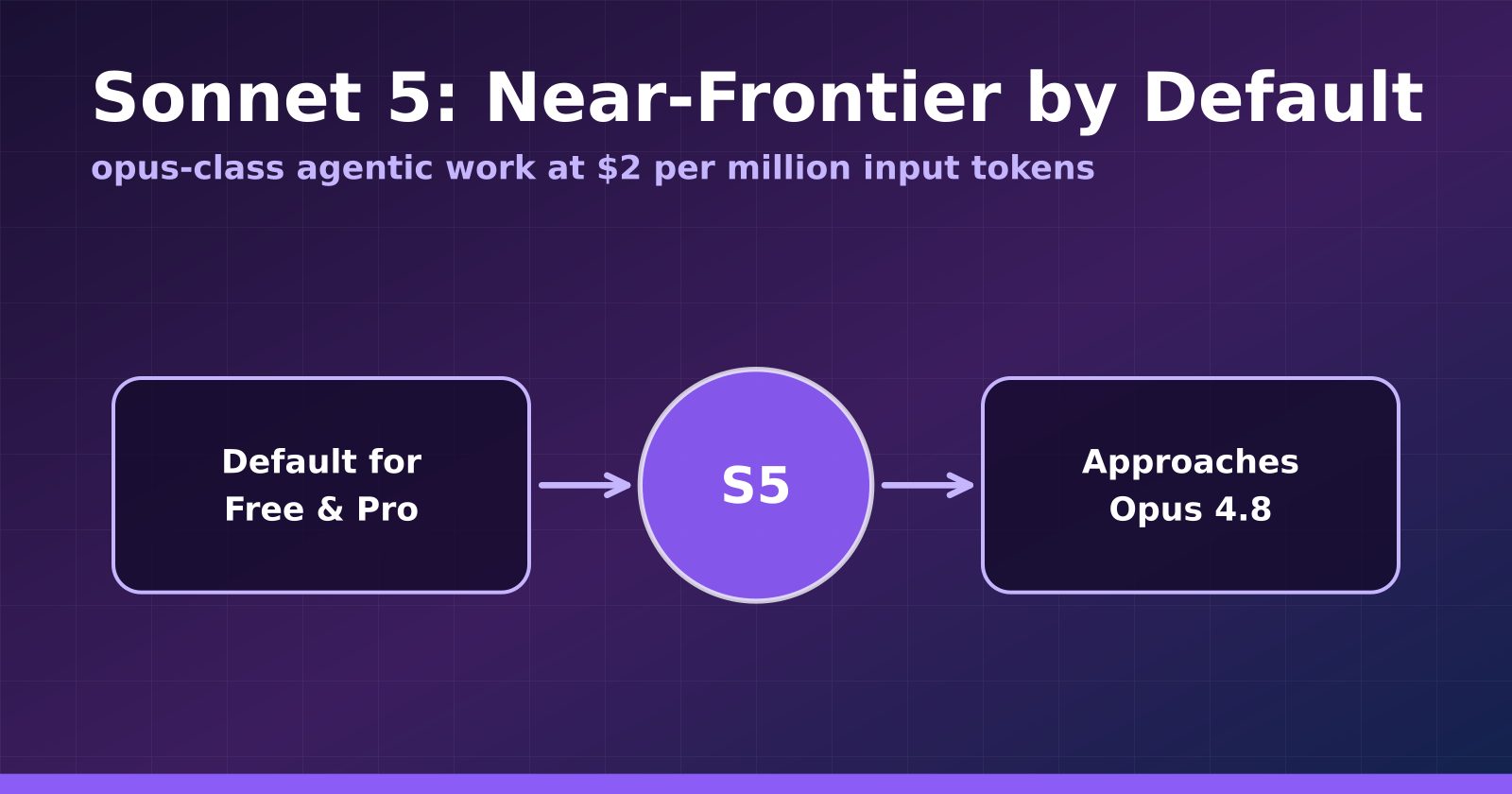
Claude Sonnet 5 Makes Near-Frontier Performance the Default Tier
Anthropic's Sonnet 5 launches at $2 per million input tokens, approaches Opus 4.8 on agentic benchmarks, and becomes the default for Free and Pro users.